Google Business Profile Is Your Most Valuable Free Marketing Tool
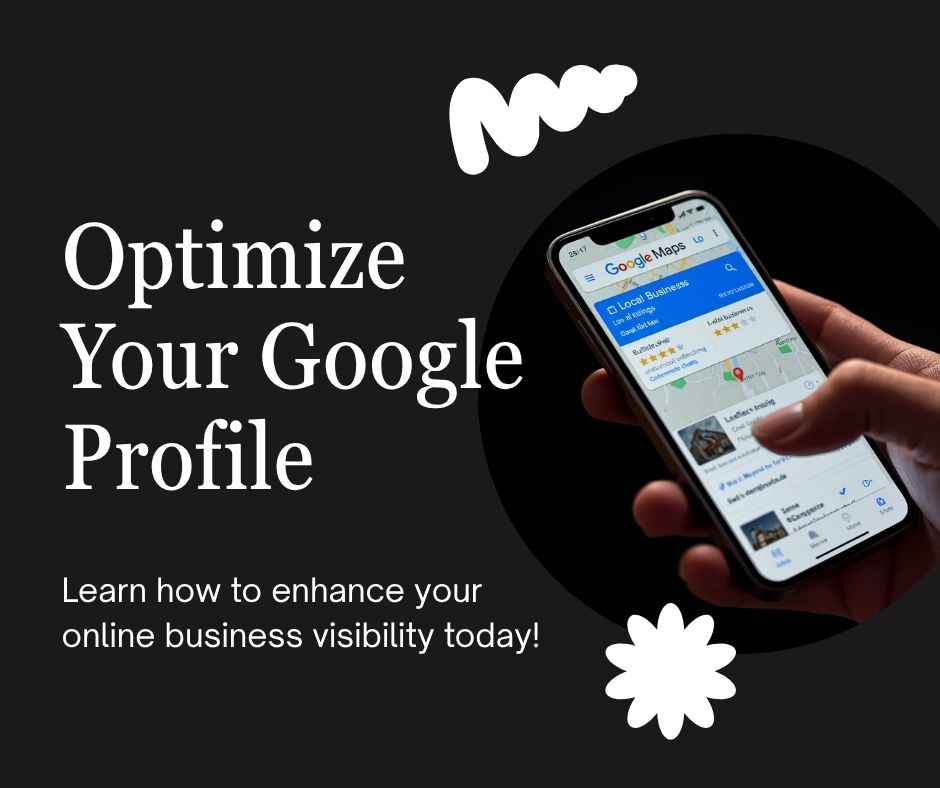
If you run a local business in Riverside or anywhere in the Inland Empire and you haven’t fully optimized your Google Business Profile (GBP), you’re leaving customers on the table every single day. GBP is what powers the map results that appear at the top of Google when someone searches “web designer near me” or “best tacos in Moreno Valley.”
Here’s a complete checklist to make sure yours is working as hard as it should be.
Step 1: Claim and Verify Your Listing
Go to business.google.com and search for your business. If it exists but isn’t claimed, claim it. If it doesn’t exist, create it. Verification is usually done via postcard, phone, or video — and it’s required before any of your edits go live.
Step 2: Complete Every Single Field
Google rewards completeness. Fill in:
- Business name (exactly as it appears everywhere else — consistency matters)
- Address or service area
- Phone number
- Website URL
- Business category (primary and secondary)
- Hours of operation (including holiday hours)
- Business description (750 characters, use your top keywords naturally)
- Services and products
- Attributes (veteran-owned, bilingual, wheelchair accessible, etc.)
Step 3: Add High-Quality Photos
Businesses with photos get significantly more clicks and direction requests than those without. Add:
- Your logo
- A cover photo (exterior or team photo)
- Interior photos if you have a physical location
- Photos of your work or products
- Team photos
Update photos regularly — Google notices freshness.
Step 4: Get Reviews and Respond to All of Them
Reviews are the single biggest ranking factor in Google’s local pack. A business with 50 reviews at 4.7 stars will almost always outrank a competitor with 10 reviews at 5.0 stars.
How to get more reviews: Ask every satisfied customer directly. Send a follow-up text or email with your review link. Make it easy — one tap to leave a review. Never offer incentives for reviews (Google will remove them).
Respond to every review — positive and negative. Responding to negative reviews professionally is one of the most powerful trust signals you can send to potential customers who are reading.
Step 5: Post Weekly Updates
Google Business Profile has a Posts feature that most businesses completely ignore. Posting weekly — a promotion, a project highlight, a tip, an event — signals to Google that your business is active and engaged. It takes 5 minutes and has a measurable impact on visibility.
Step 6: Use the Q&A Section
Anyone can ask and answer questions on your GBP listing — including your competitors. Proactively add your own Q&As covering your most common questions: pricing, service area, hours, turnaround time. This also helps you show up for voice search queries.
Step 7: Keep Your Information Consistent Everywhere
Your business name, address, and phone number (NAP) should be identical on your GBP, your website, Yelp, BBB, and every other directory. Even small inconsistencies — “St.” vs “Street”, “(951)” vs “951” — can confuse Google’s local algorithm and suppress your rankings.
Need Help With Your Local SEO?
Maven Web Prints offers Google Business Profile optimization as part of our local SEO services for Riverside and Inland Empire businesses. We handle the full setup, photo optimization, review strategy, and ongoing post management.
Call or text (951) 293-4355 or check out our SEO services page to learn more.